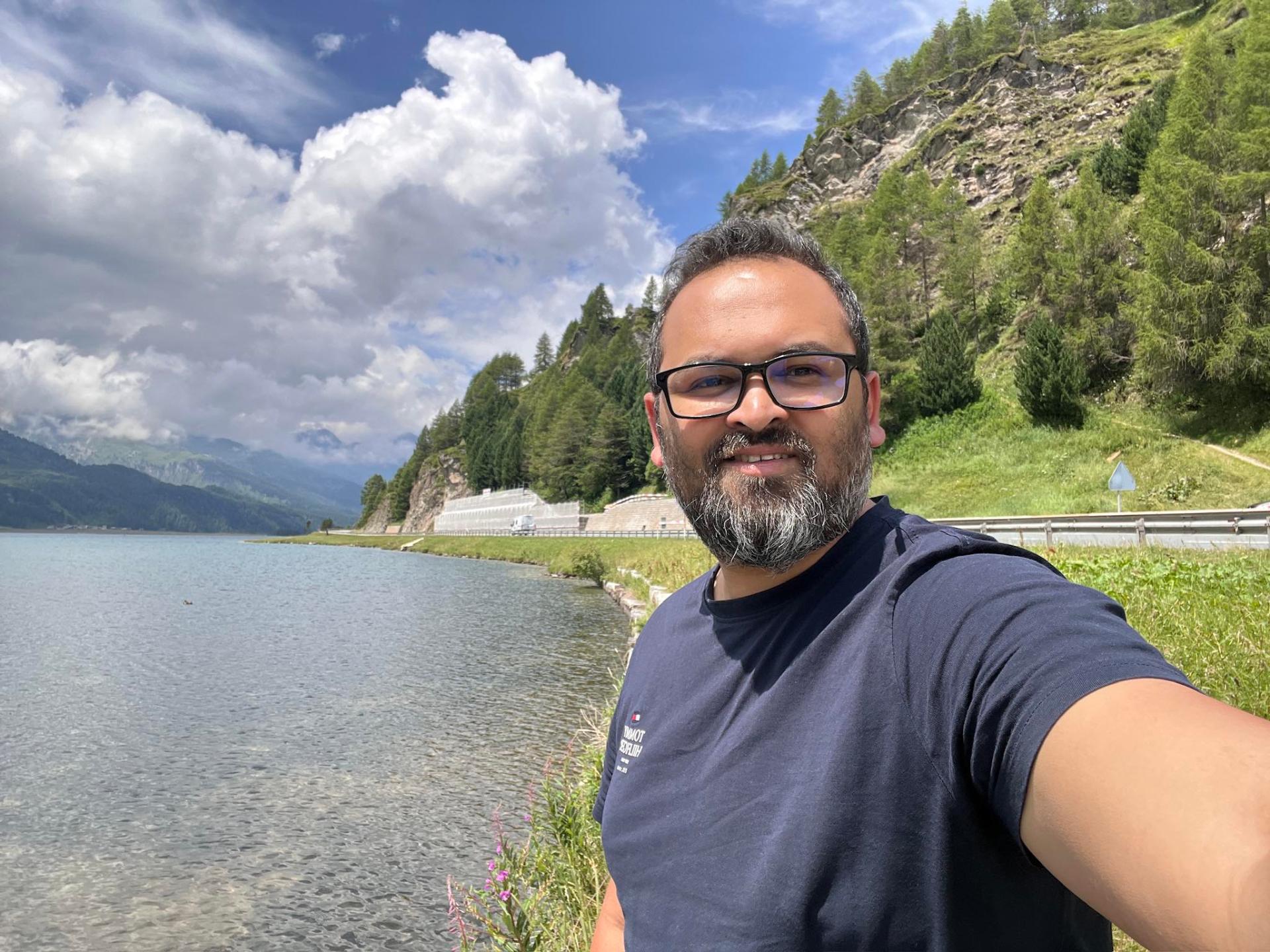
How to Hit 30 Million Photo Views
Behind my 30M+ Google Maps photo views: photographing Poland’s sushi restaurants, Manekin, pizza places and landmarks, with practical Local Guide tips.
My Google Maps photos have passed 30 million views. The subjects behind that milestone are not only famous viewpoints: my photography includes restaurants such as sushi places, Manekin and pizza places, alongside landmarks across Poland. An everyday meal and a recognisable city square both belong in a local photography portfolio, because both help someone decide where to go.
This is a behind-the-scenes guide to that approach, followed by a practical workflow you can adapt. The restaurant examples reflect the subjects I photograph; the shooting sequences below are recommendations, not a claim that any particular restaurant, branch or image generated a known share of my views. There is no secret upload schedule or guaranteed shortcut to the same number.
1. What 30 million Google Maps photo views actually means
The 30M+ figure is my reported cumulative photo-view milestone, not an independently audited audience figure. It should not be read as 30 million different people, restaurant customers or bookings. Photo exposure, someone interacting with a place, and a business earning a sale are different things.
A useful photograph can reach people long after the day it was taken, but a rising total alone does not explain why. Without a dated record of individual contributions, it would be misleading to attribute the result to sushi photos, a specific Polish city or a particular editing technique. Treat the milestone as context for the work, not proof of a repeatable growth formula.
A better starting question than “what will get the most views?” is “what does a visitor still need to see?” That shifts the job from collecting impressions to making a place understandable.
2. Choose subjects that answer real questions
Restaurants and landmarks solve different planning problems. At a restaurant, people want to recognise the door, understand the atmosphere and see what food actually looks like. At a landmark, they may need to identify the building, understand its setting or find the public approach. A beautiful close-up can complement those answers, but it cannot replace all of them.
Before taking out the camera, look at the existing listing. Is the exterior hard to recognise? Are the images mostly old dishes, dark interiors or repeated angles? Photographing a genuine information gap is more useful than making a slightly different version of the same shot. Do not manufacture a problem just to justify another upload.
Across Poland, combine everyday places you genuinely visit with the larger attractions on your route. Photograph what is there now, attach it to the right place, and let the subject determine the framing. This is a practical editorial approach, not a claim about Google’s ranking system.
3. Restaurant photography: sushi, Manekin and pizza places
My restaurant subjects include all three of these. They make useful examples because each calls for a different visual emphasis. The aim is not to stage a fictional dining experience: it is to show an actual meal and its setting clearly, without interrupting staff or other customers.
Start with a short, purposeful shot sequence
- Entrance: show the sign and doorway from the public approach, without blocking the pavement.
- Room: if permitted, show the seating and layout while keeping identifiable diners out of frame.
- Menu detail: only where allowed, capture a readable, current section without reflections or personal information.
- Food: take one overall plate photograph and, when genuinely useful, a closer detail.
These are possible shots, not a quota. A packed room or a staff request may mean skipping the interior entirely. Menus and prices change, so an old image should never be presented as a reliable current price list.
Sushi: keep presentation and colour believable
Sushi benefits from a clear view of the arrangement: the number and variety of pieces, the serving plate and enough table context to understand scale. A slightly elevated angle often explains a mixed platter better than an extreme close-up. Side light can reveal texture without turning the rice into a white glare. Avoid pushing saturation until the fish looks unlike the meal served.
Manekin: show the dish and identify the correct branch
For a Manekin visit, a useful image should show the actual dish ordered rather than relying on the restaurant name to tell the story. Frame the whole plate before moving closer. If there are several branches in a city, check the street address before contributing: a correct restaurant name attached to the wrong branch still misleads the next visitor. No particular branch is being endorsed or credited with my view milestone here.
Pizza places: make scale and texture legible
An overall pizza photograph shows size and topping distribution; a lower angle can explain the crust. Use the plate or table as context rather than an exaggerated wide-angle perspective. If the restaurant is dim, steady the phone and use available light instead of firing a distracting flash across the room. One sharp, representative image is preferable to several blurred variations.
4. Polish landmarks: photograph the place, not just the postcard
A landmark sequence can be equally simple: one identifiable wide view, one architectural detail and an approach or entrance photograph where appropriate. The wide view establishes location; the detail adds character; the approach helps someone orient themselves. Keep those purposes distinct rather than uploading ten near-identical frames.
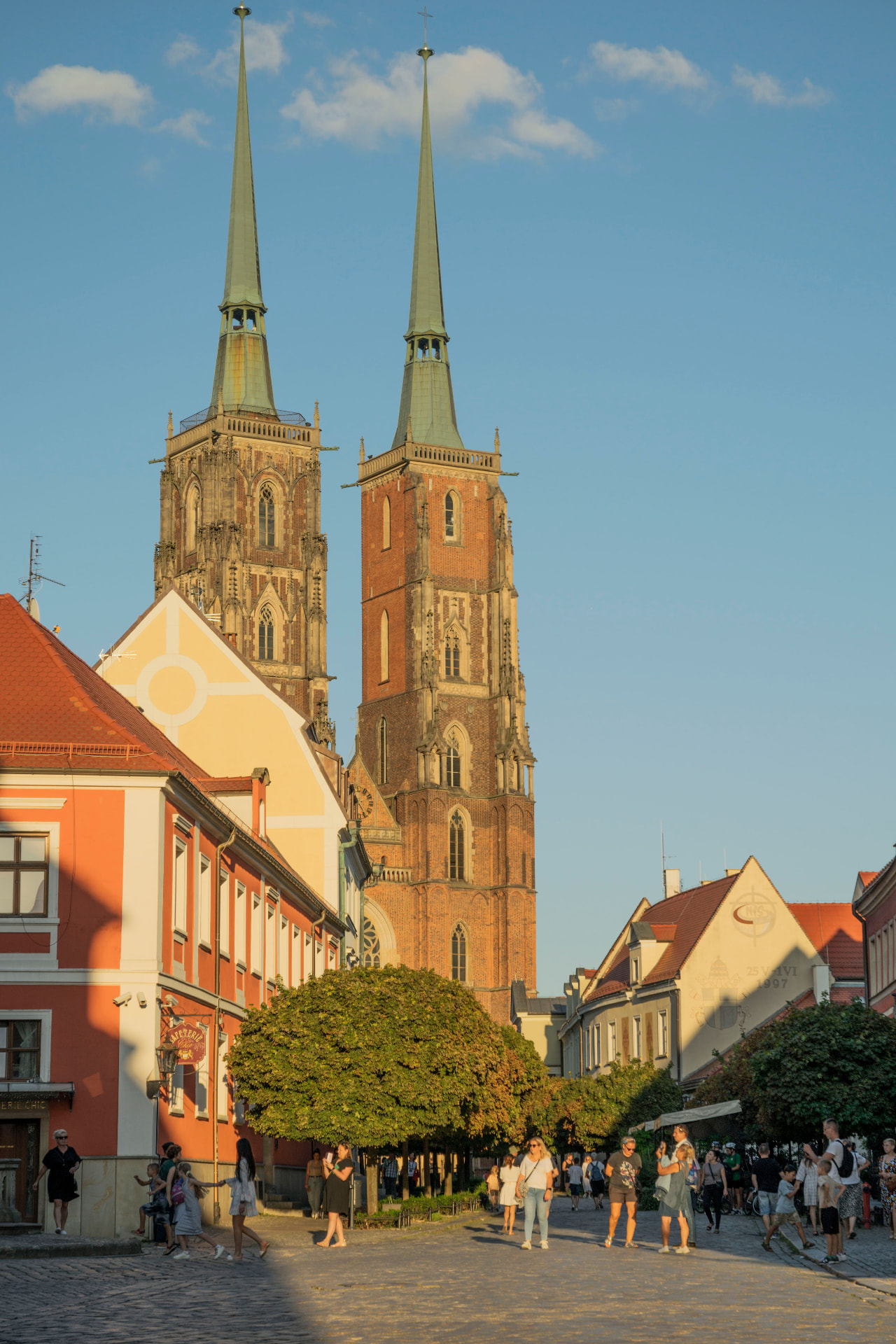
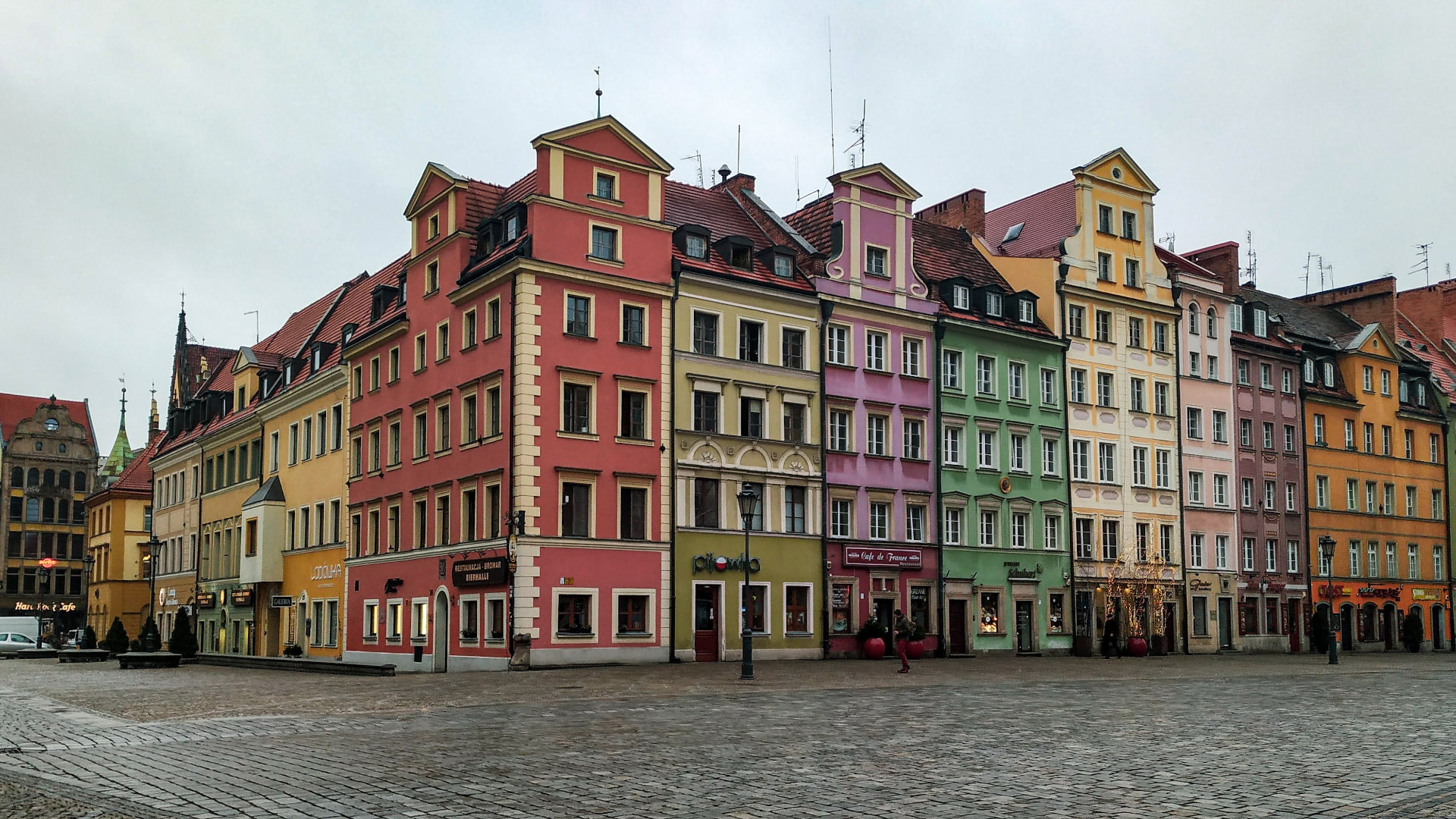
In Wrocław, separate a view of the Rynek from a photograph of one specific building. In Kraków, a broad square scene and a cathedral entrance answer different questions. Poznań offers town-hall details and street-level context, while Gdańsk rewards both waterfront views and closer architectural framing. These linked guides help plan a walk; they are not a list of proven high-view locations.
Match the image to the subject of the listing. A general city panorama does not automatically belong on every business visible in it. Follow access rules, check photography restrictions inside buildings and avoid suggesting that a decorative doorway is a public entrance unless you have confirmed it.
5. From capture to contribution: a repeatable workflow
Start with a clean lens and a steady position. Choose light that preserves detail: a window can work for food, while softer daylight helps avoid harsh shadows across a façade. Keep vertical lines reasonably straight by levelling the camera rather than making an extreme correction afterwards. Use zoom sparingly if it reduces the quality on your phone.
During selection, remove blurred frames, accidental duplicates and photographs with distracting private details. Edit for legibility: a modest exposure adjustment, sensible white balance and a crop can help. Do not add food, remove inconvenient surroundings or use filters that make the place look materially different. Google’s media guidance calls for relevant, realistic imagery.
Before uploading, check the listing name, address and subject once more. Keep a simple folder labelled by place and capture date so neighbouring restaurants do not get mixed up later. Select photographs that add different information; there is no need to publish every keeper from a shoot. A final privacy check should happen before sharing, not after someone complains.
6. Review progress without confusing views with impact
If you want to learn from your own contributions, record a small sample over time. A basic spreadsheet can contain the place, subject type, capture date, upload date and any photo-view figures your account currently displays, with the date you checked them. Note changes in availability of metrics rather than inventing missing numbers.
Compare photographs of similar ages before drawing conclusions. An image online for years has had a different opportunity from one uploaded yesterday; seasonal tourism and changes at the venue complicate comparisons too. Look for questions worth testing, not evidence that one attractive frame caused bookings. No account-level breakdown or restaurant conversion data is being claimed in this article.
For a business, enquiries, direction requests and actual sales are separate measures that require appropriate access and context. My public photo-view milestone cannot establish those outcomes for someone else’s listing. Likewise, Local Guide points and levels are not a promise of search placement or income.
7. Mistakes, permissions and conflicts of interest
- Misrepresenting a place: avoid unrelated images, misleading edits and photos attached to the wrong location.
- Repetitive contributions: Google’s Local Guides guidance warns against duplicate content across locations. Do not scatter the same restaurant shot across multiple listings.
- Ignoring privacy: avoid recognisable diners, children, receipts, payment screens and other personal information. Reframe or do not publish when you cannot make a respectful image.
- Assuming access means permission: ask before photographing interiors when rules are unclear, respect a refusal and do not enter staff-only areas.
- Turning paid work into independent endorsement: Google’s policies restrict incentivised contributions and conflicts of interest. Do not trade reviews for meals, discounts or payment, or portray a client relationship as an impartial customer recommendation.
Commercial photography and independent Local Guide contributions should remain distinct. If a business commissions photographs, agree on their permitted use and appropriate business publishing channels; do not bundle the job with a favourable review or a promise to influence Maps rankings. A disclosure is not a way around a prohibited contribution. Check the current Google policies linked below before contributing where any business relationship exists.
8. A practical checklist for your next walk
- Choose places you genuinely visit and identify one useful information gap.
- Check the exact listing and any access or photography rules.
- Clean the lens, find usable light and capture a recognisable overall view.
- Add a detail or approach only if it answers a different question.
- Remove duplicates, check privacy and keep editing realistic.
- Confirm the location before uploading and keep an honest dated record.
Do I need an expensive camera?
No. A modern phone can make useful listing photographs in suitable light. Sharpness, honest colour, clear framing and the correct location matter more than buying equipment you cannot comfortably carry. A camera is an option, not a prerequisite for helpful contributions.
How often should I upload?
When you have relevant, original photographs that add useful information. There is no posting-frequency recommendation here that guarantees exposure. Avoid turning a daily target into repeated uploads of the same subject.
Will a higher Local Guide level guarantee more views?
No. Google documents points, levels and badges, but that is not a guarantee that a photograph will be selected, ranked prominently or reach a certain audience. Do not confuse participation status with an advertising product.
Can this workflow guarantee 30 million views?
No. My reported total is a personal milestone, not a forecast for another contributor. The repeatable part is the care taken with the subject, accuracy and usefulness of the image—not the final number.
9. Keep the next visitor in mind
A sushi platter, a Manekin dish, a pizza and a Polish landmark need different photographs, but the underlying job is the same: help someone see what is actually there. Useful local photography starts with that responsibility, not with a view-count target.
For the business-oriented companion, read the Google Maps photography playbook. For commissioned restaurant, destination or brand photography, get in touch. Photography enquiries are welcome; paid Local Guide endorsements, guaranteed views and guaranteed rankings are not part of the offer.
Official Google guidance
Policy references checked for this guide on 14 October 2026. Google may update its rules and product features; consult the current versions before posting.
- Local Guides community guidelines — genuine contributions and programme conduct.
- Tips for posting media to Maps — relevant, realistic photographs.
- Prohibited and restricted content — privacy, authenticity and unacceptable content.
- Incentivised or biased reviews — incentives and conflicts of interest.
- Local Guides points, levels and badging — what participation status means.